Best IPTV Players for Android TV in 2026
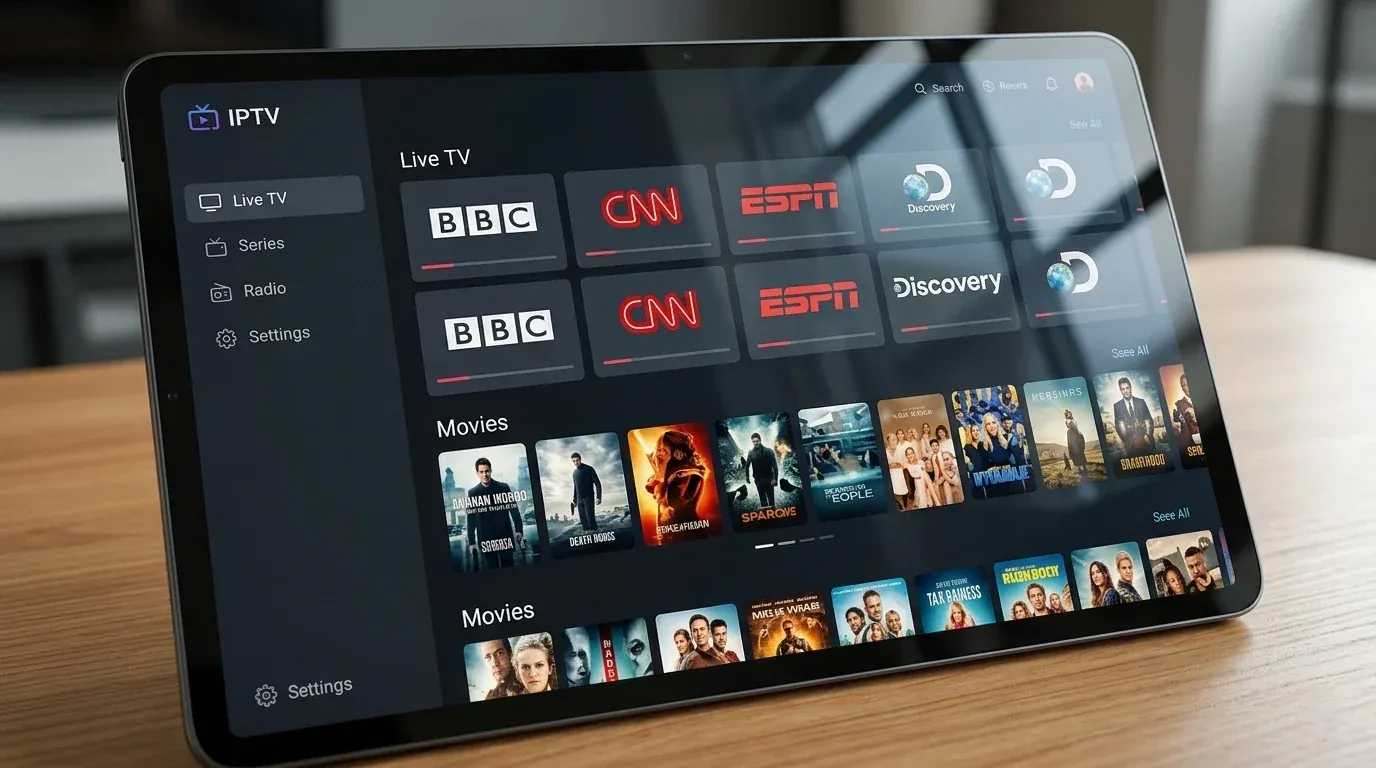
Choosing the right IPTV player can make a big difference when watching live TV on Android TV.
The IPTV player is responsible for organizing your playlists, displaying channels, loading the electronic program guide, and providing the interface you use to control playback.
A good player should be easy to navigate with a TV remote, handle your playlist smoothly, support useful guide features, and work well with the capabilities of your Android TV device.
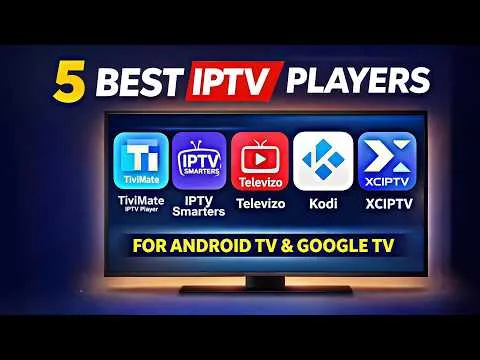
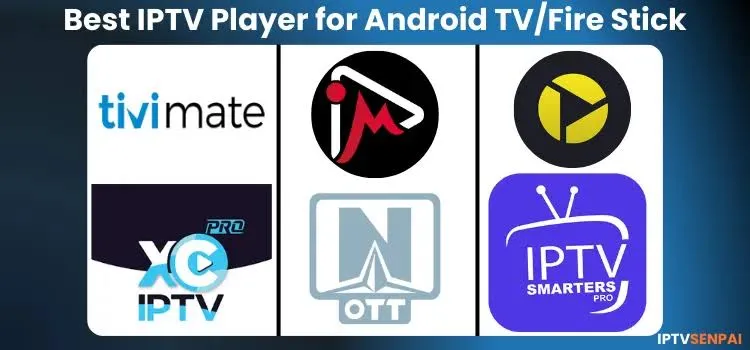
In 2026, several IPTV players stand out for different types of users. TiviMate is widely recognized for its TV-focused interface and customization, while IPTV Smarters Pro is popular with beginners. Sparkle TV is particularly interesting for users who want DVR and time-shifting features, while OTT Navigator and Kodi offer more flexibility for advanced users.
The best choice ultimately depends on your device, playlist format, features, and personal preferences. If you're looking for a service to test these players with, be sure to read our guide on How to Test IPTV Before Buying a Subscription.
Best IPTV Players for Android TV
What Should You Look for in an IPTV Player?
Before choosing an IPTV player, consider the features that matter most to you.
1. Android TV Optimization
A good TV application should be designed for remote navigation.
Look for:
- Clear menus
- Large readable text
- Easy channel navigation
- D-pad support
- Fast response
- TV-friendly interface
A phone-focused application can technically work on a TV but may provide a frustrating experience with a remote.
2. Playlist Support
Check which playlist formats the application supports.
Common options include:
- M3U
- M3U URL
- Xtream Codes
- Other supported IPTV login methods
Your player should support the format provided by your legitimate IPTV service.
3. EPG Support
EPG stands for Electronic Program Guide.
A good EPG makes it easier to see:
- Current programs
- Upcoming programs
- Channel schedules
- Program descriptions
If you rely heavily on live TV, EPG quality can be one of the most important features.
4. Playback and Decoder Support
The player should work well with your Android TV device's available hardware decoding capabilities.
This becomes particularly important with high-resolution streams and modern codecs.
5. Catch-Up and Recording
Some players provide features such as:
- Catch-up TV
- Time shifting
- Recording
- Favorites
- Multiple playlists
- Parental controls
Not every application provides all of these features, so check what you actually need.
1. TiviMate — Best Overall for Android TV
TiviMate is one of the strongest choices for users who want a dedicated IPTV experience on Android TV.
Its interface is designed around television navigation rather than a phone-style interface.
The channel list and EPG are particularly important strengths for users who watch a large number of live channels.
Key Features
- Android TV-focused interface
- M3U playlist support
- Xtream Codes support
- EPG
- Favorites
- Multiple playlists
- Catch-up features depending on source/support
- Recording features in supported versions
- Customization options
Pros
- Excellent TV-oriented interface
- Strong EPG experience
- Highly customizable
- Good channel organization
- Suitable for large playlists
Cons
- Some advanced features require the premium version
- Primarily focused on IPTV rather than being a general media center
TiviMate is a particularly good choice if your priority is a polished live-TV experience and easy remote navigation.
 TiviMate on Android TV
Upgrade Your Streaming Experience
Get access to 50,000+ live channels, 200,000+ VODs in 4K/FHD with zero buffering.
- 4K & Full HD Quality
- Anti-Buffer Technology
- All Smart TVs Supported
- Instant Activation
2. IPTV Smarters Pro — Best for Beginners
IPTV Smarters Pro is another widely used IPTV player.
Its main advantage is familiarity and relatively straightforward setup.
It can be useful for users who want an interface that brings live TV, movies, series, and other playlist content together in one application.
Key Features
- Live TV
- VOD support depending on playlist
- Series support depending on playlist
- EPG
- M3U support
- Xtream Codes support
- User-friendly interface
Pros
- Beginner-friendly
- Easy to understand
- Supports common IPTV login methods
- Useful for users who want live TV and VOD together
Cons
- Interface preferences vary from user to user
- Some features depend on the supplied IPTV service
- Not every feature is available in every version
If you are new to IPTV players and want a relatively straightforward interface, IPTV Smarters Pro is worth considering.
 IPTV Smarters Pro on Android TV
3. Sparkle TV — Best for DVR and Time-Shifting Features
Sparkle TV is another interesting option for Android TV users, especially those interested in recording and time-shifting features.
It is designed around a traditional live-TV experience and can be attractive to users who want more than simple channel playback.
Key Features
- Live TV
- EPG
- DVR features
- Time shifting
- Favorites
- Multiple playlist support
- TV-oriented navigation
Pros
- Strong live-TV focus
- Useful DVR functionality
- Good EPG experience
- Designed for TV environments
Cons
- Some advanced features may require a paid version
- The available features can depend on the playlist and device
Sparkle TV is a good option for users who want their IPTV player to behave more like a traditional television platform.
 Sparkle TV on Android TV
4. OTT Navigator — Best for Advanced Users
OTT Navigator is aimed more toward users who want extensive customization.
It provides many options for organizing and managing IPTV content.
Key Features
- Multiple playlist support
- EPG
- Customization
- Channel organization
- Advanced playback options
- Support for different IPTV sources
Pros
- Highly customizable
- Powerful playlist organization
- Good option for experienced users
- Many configuration options
Cons
- Can feel complicated for beginners
- Requires more time to configure
If you like controlling almost every aspect of your IPTV interface, OTT Navigator can be an interesting choice.
5. Kodi + IPTV Add-ons — Best for Power Users
Kodi is different from dedicated IPTV applications.
It is a full media-center platform that can be extended with add-ons, including IPTV-related functionality.
One common approach is using an IPTV client such as PVR IPTV Simple Client with a compatible playlist and EPG source.
Pros
- Free and open-source media center
- Extremely customizable
- Supports many media formats
- Large ecosystem
- Powerful for advanced users
Cons
- More complicated setup
- IPTV functionality requires additional configuration
- Not as simple as a dedicated IPTV player
Kodi is best suited to users who enjoy configuring their own media center and want more flexibility than a standard IPTV application provides.
Best IPTV Players Compared
| IPTV Player | Best For | EPG | M3U | Xtream Codes | TV Interface | Advanced Features |
|---|---|---|---|---|---|---|
| TiviMate | Overall | Yes | Yes | Yes | Excellent | Excellent |
| IPTV Smarters Pro | Beginners | Yes | Yes | Yes | Good | Good |
| Sparkle TV | DVR / Time Shift | Yes | Yes | Supported | Excellent | Excellent |
| OTT Navigator | Advanced users | Yes | Yes | Supported | Excellent | Excellent |
| Kodi | Power users | Yes | Yes | Add-on dependent | Good | Excellent |
Feature availability can vary by application version, device, playlist, and IPTV source. Always check the current application documentation before relying on a specific feature.
Upgrade Your Streaming Experience
Get access to 50,000+ live channels, 200,000+ VODs in 4K/FHD with zero buffering.
- 4K & Full HD Quality
- Anti-Buffer Technology
- All Smart TVs Supported
- Instant Activation
Which IPTV Player Is Best for You?
There is no single application that is perfect for everyone.
Choose TiviMate if:
- You mainly use Android TV
- You want a polished TV interface
- You care about EPG
- You have a large channel list
- You want extensive customization
Choose IPTV Smarters Pro if:
- You are a beginner
- You want simple setup
- You use live TV and VOD
- You prefer a familiar interface
Choose Sparkle TV if:
- You want DVR functionality
- You like time shifting
- You want a traditional TV experience
- EPG is important to you
Choose OTT Navigator if:
- You want advanced customization
- You manage multiple playlists
- You enjoy configuring your player
Choose Kodi if:
- You want a complete media center
- You enjoy customization
- You are comfortable configuring add-ons
- IPTV is only one part of your media setup
How to Choose the Right IPTV Player
Start by identifying how you watch IPTV.
If you mainly watch live channels, prioritize:
- EPG
- Channel organization
- Remote navigation
- Playback stability
- Favorites
If you watch movies and series, look for:
- VOD organization
- Search
- Categories
- Resume playback
- Subtitle support
If you use a large playlist, prioritize:
- Fast navigation
- Playlist management
- Search
- Favorites
- Stable EPG loading
If you want to record programs, make sure the application explicitly supports recording and that your Android TV hardware has enough storage.
Does the IPTV Player Improve Streaming Quality?
An IPTV player cannot magically improve the quality of a stream provided by your IPTV service.
Video quality depends on factors such as:
- Source quality
- Stream bitrate
- Internet connection
- Device hardware
- Video codec
- Server performance
However, a well-designed player can provide better playback controls and make it easier to troubleshoot problems. For example, if you're having issues, you might need to check your connection as explained in our guide on IPTV Buffering Every Few Minutes: Causes and Fixes.
For example, hardware decoding can be important for compatible high-resolution streams.
What Internet Speed Do You Need?
Your required internet speed depends on the resolution and bitrate of the stream.
As a general rule, higher-quality streams require more bandwidth.
However, raw speed is not the only factor.
A stable connection with low packet loss is often more useful than a connection with a very high advertised speed but poor stability.
For more details on connection requirements, read What Internet Speed Do You Need for IPTV in 2026?.
Tips for Better IPTV Performance on Android TV
After installing your IPTV player (check How to Set Up IPTV on Firestick in 2026 if you need installation help), consider the following:
Keep Android TV Updated
Install official system updates when available.
Keep the IPTV App Updated
Updates can include bug fixes and compatibility improvements. If you encounter issues, read IPTV Not Working After an App Update: What to Do.
Use Ethernet When Practical
A wired connection can provide more consistent connectivity than congested Wi-Fi.
Avoid Unnecessary Background Apps
Closing unnecessary applications can help devices with limited resources.
Keep Your Playlist Organized
Large playlists are easier to manage when you use favorites, categories, and filters.
Test Different Playback Settings
If the player provides decoder options, test them carefully when experiencing playback problems.
Is a Paid IPTV Player Worth It?
It depends on your needs.
A free player may be sufficient if you only need:
- Basic playlist playback
- Simple channel navigation
- Basic EPG
A premium player can be worthwhile if you need:
- Multiple playlists
- Advanced EPG
- Recording
- Catch-up
- Customization
- Advanced playlist management
Do not pay for features you do not need.
Frequently Asked Questions
Conclusion
Android TV gives users a wide range of IPTV player options in 2026.
TiviMate is a strong overall choice for users who want a polished television interface and powerful channel and EPG management. IPTV Smarters Pro can be easier for beginners, while Sparkle TV is attractive for users interested in DVR and time-shifting. OTT Navigator offers extensive customization, and Kodi provides the most flexibility for users who want a complete media-center setup.
The best IPTV player is ultimately the one that matches your device, playlist format, viewing habits, and preferred features.
Before choosing an application, check its current compatibility, supported playlist formats, available features, and official distribution source.
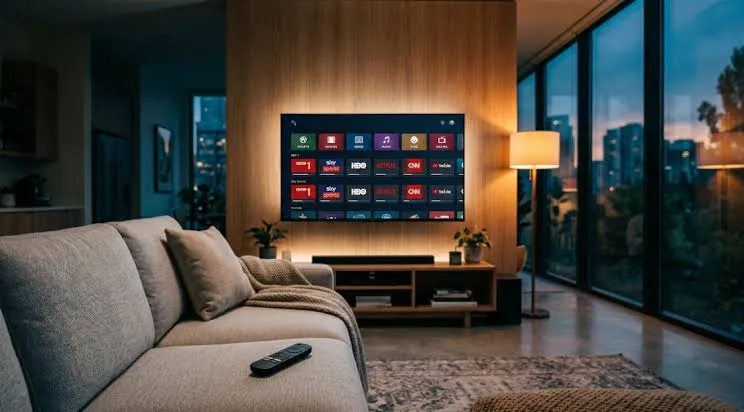 Android TV IPTV Player Comparison