How to Test IPTV Before Buying a Subscription
Choosing the right IPTV service can be overwhelming, especially with so many options available today. Before committing to a long-term plan, you need to know if the service will actually work well for you.
A large channel count does not automatically mean a good service. Advertised quality does not always reflect real-world performance, and different devices and internet connections can produce different results. That is why testing an IPTV subscription before purchasing is crucial.
A trial can help you evaluate whether a service fits your needs, ensuring you get exactly what you pay for. In this guide, we will show you step-by-step how to effectively test an IPTV provider before making a decision.
How to Test IPTV Before Buying a Subscription
What Is an IPTV Trial?
An IPTV trial is a short period—often 24 to 48 hours—where a provider allows you to test their service before committing to a paid subscription.
Why do providers offer trials? Because reputable services know that IPTV performance can vary depending on your location, internet speed, and device. A trial allows you to verify that the service is compatible with your setup. Trial periods can differ; some might be completely free, while others require a small fee to prevent abuse.
During a trial, you should test the service just as you would during normal daily use. This is a real-world evaluation to see if the provider is a good fit. At IPTV FIESTA, for example, we offer a Free Trial so you can experience our premium service firsthand.
1. Check the Channels You Actually Watch
When evaluating an IPTV service, many people focus on the total number of channels. However, having 50,000 channels doesn't matter if the 10 channels you actually watch are missing or constantly freezing.
Users should test their own viewing priorities rather than simply counting channels. Test:
- Favorite channels
- News
- Entertainment
- Sports
- International channels
- Local channels
- Other frequently watched categories
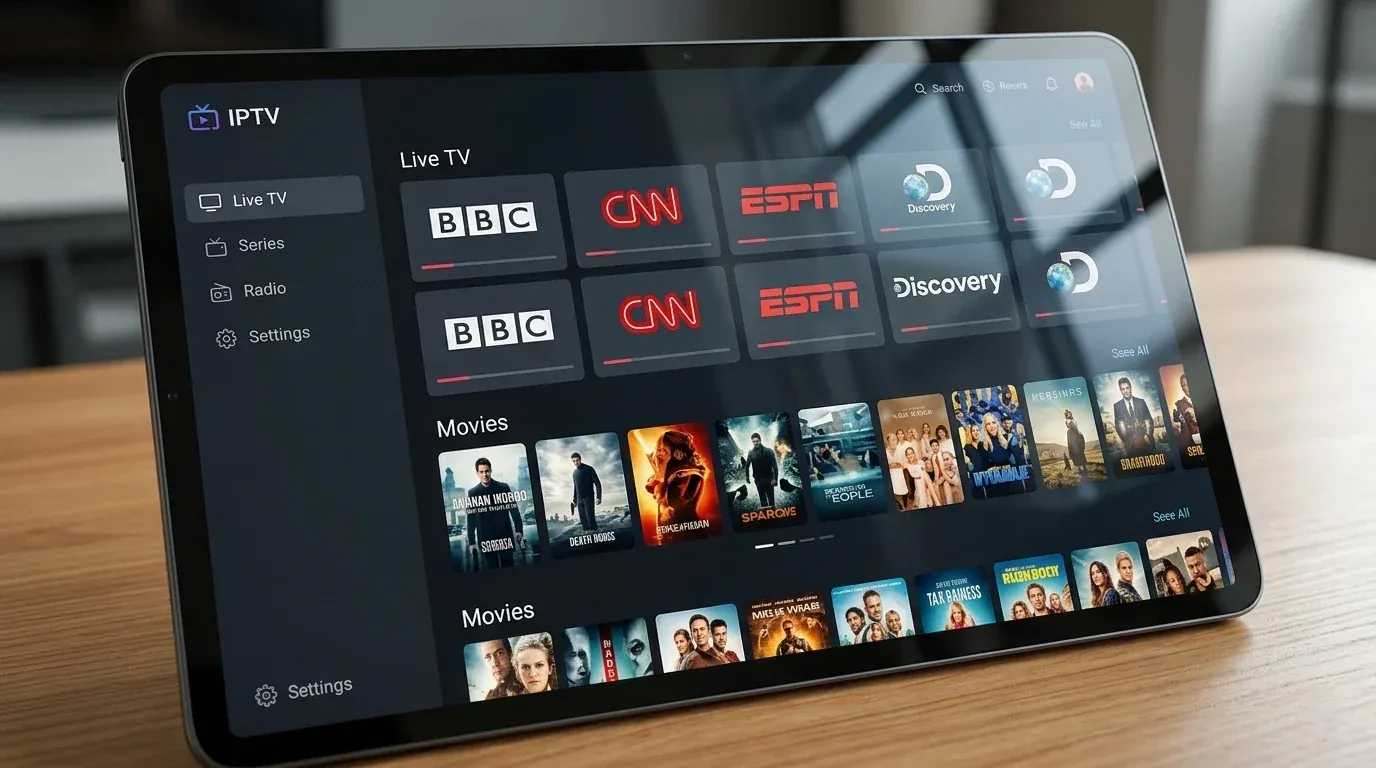
Take the time to explore the Channels list provided by the IPTV service to ensure it covers your specific needs.
 Check Channel Availability
Upgrade Your Streaming Experience
Get access to 50,000+ live channels, 200,000+ VODs in 4K/FHD with zero buffering.
- 4K & Full HD Quality
- Anti-Buffer Technology
- All Smart TVs Supported
- Instant Activation
2. Test Streaming Quality
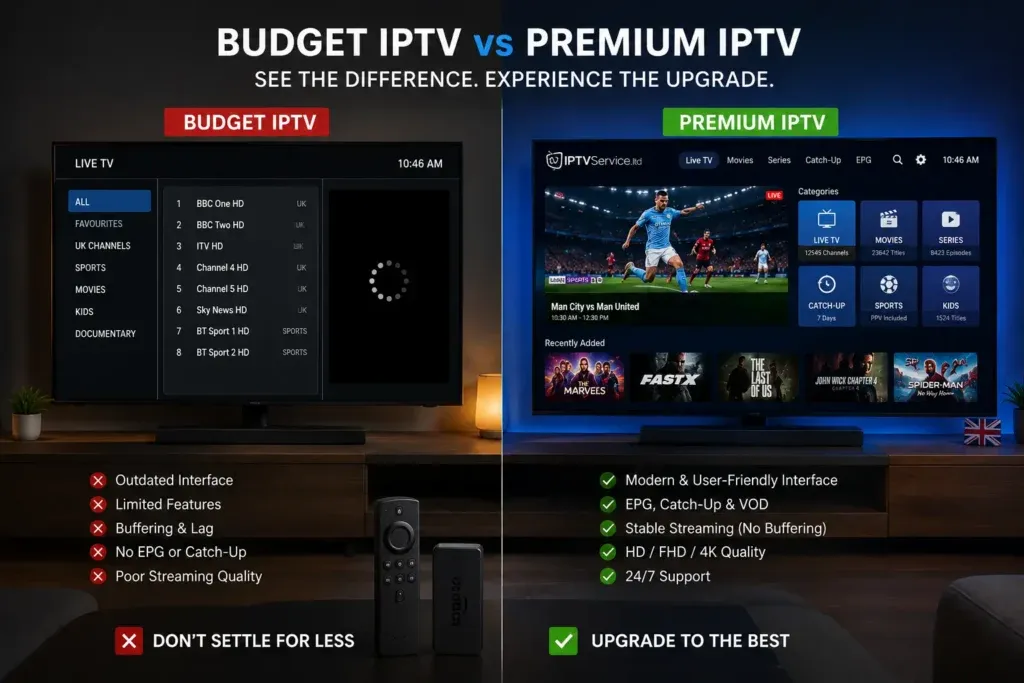
Advertised resolution does not guarantee consistent quality. A channel labeled "4K" might be highly compressed, while a true HD channel on a premium service could look much better.
When testing, evaluate:
- SD (Standard Definition)
- HD (High Definition)
- Full HD
- 4K where available
- Picture clarity
- Motion (especially for fast-moving sports)
- Compression artifacts
- Audio quality and synchronization
- Channel switching speed
At IPTV FIESTA, we pride ourselves on delivering true 4K and Full HD quality, but you should always verify this during your trial.
3. Check for Buffering and Freezing
Nobody likes buffering. (If your stream is playing but looks blurry, see our guide on How to Improve IPTV Picture Quality). During your trial, make sure to test:
- Several different channels
- Different categories (live TV, sports, movies)
- Longer viewing sessions (watch a full movie or match)
- Different resolutions
If you experience freezing, remember that there are possible causes beyond the provider:
- Internet connection speed and stability
- Wi-Fi interference
- Device performance
- Network congestion
If you run into issues, try practical troubleshooting steps, like switching from Wi-Fi to an Ethernet cable. For more help, you can read our guide on IPTV Buffering Every Few Minutes: Causes and Fixes.
4. Test IPTV During Peak Hours
A service might run perfectly at 2:00 PM on a Tuesday but struggle at 8:00 PM on a Saturday. You should test the service at the times you normally watch.
Be sure to test during:
- Evening prime time
- Weekends
- Busy viewing periods
- Major live events
Peak-time testing can reveal server congestion issues that may not appear during quieter periods.
5. Test Live Sports if They Matter to You
Live sports demand high frame rates and absolute stability. A delay or buffer during a crucial moment can ruin the experience.
Test:
- Preferred sports channels
- Live events
- Channel switching between matches
- Picture quality during fast motion
- Audio synchronization
- Stability during busy, high-profile events
With the IPTV FIESTA service, sports fans get access to premium live sports, but always test your favorite events during the trial.
6. Check the EPG and TV Guide
An EPG (Electronic Program Guide) is the on-screen menu that shows you what is currently playing and what is coming up next.
During your trial, test:
- Program schedules
- Accuracy of the guide
- Navigation speed
- Search functionality
- Channel organization
- Detailed program information
A good EPG makes the IPTV experience feel like traditional cable. (IPTV FIESTA fully supports a comprehensive EPG for easy navigation).
7. Test Movies and On-Demand Content
If the provider includes a Video on Demand (VOD) library, take the time to test it.
Where applicable, evaluate:
- Movies
- TV series
- Categories and genres
- Search functionality
- Playback controls (pause, rewind, fast-forward)
- Loading speed
- Organization and regular updates
For instance, the IPTV FIESTA subscription includes over 120,000 films and series and a massive 200,000+ VOD library.
8. Test IPTV on Your Main Device
You should test the service on the device you actually intend to use. A service might run beautifully on a high-end smartphone but struggle on an older smart TV.
Discuss and test on your preferred hardware, whether it's:
- Smart TVs
- Android TV
- Google TV
- Firestick
- Android phones/tablets
- iPhone/iPad
- Windows PC
- Mac
- Apple TV
If you need help setting up the service on your device, check our comprehensive Setup Guide. We also have a specific guide on How to Set Up IPTV on Firestick in 2026.
 Test IPTV Device Compatibility
9. Test Multiple Connections if You Need Them
Before subscribing, understand the difference between account access, device compatibility, and simultaneous streams.
You can usually install the app on multiple devices, but if a household plans to watch on two TVs at the exact same time, you need an account that supports multiple simultaneous connections. Check this before subscribing if your family members want to watch different channels simultaneously.
Upgrade Your Streaming Experience
Get access to 50,000+ live channels, 200,000+ VODs in 4K/FHD with zero buffering.
- 4K & Full HD Quality
- Anti-Buffer Technology
- All Smart TVs Supported
- Instant Activation
10. Test IPTV With Your Normal Internet Connection
The goal is to test the service under the same conditions you normally experience.
Pay attention to:
- Wi-Fi stability versus Ethernet
- Network congestion (are others in the house downloading large files?)
- Other devices using bandwidth
- Resolution handling (does 4K buffer while HD works fine?)
Remember, IPTV is not always responsible for buffering; sometimes, it's just a localized network issue.
11. Test the IPTV App or Player
There is a difference between an IPTV service (the provider of the channels) and an IPTV player (the app you use to watch them).
While testing, evaluate the app's:
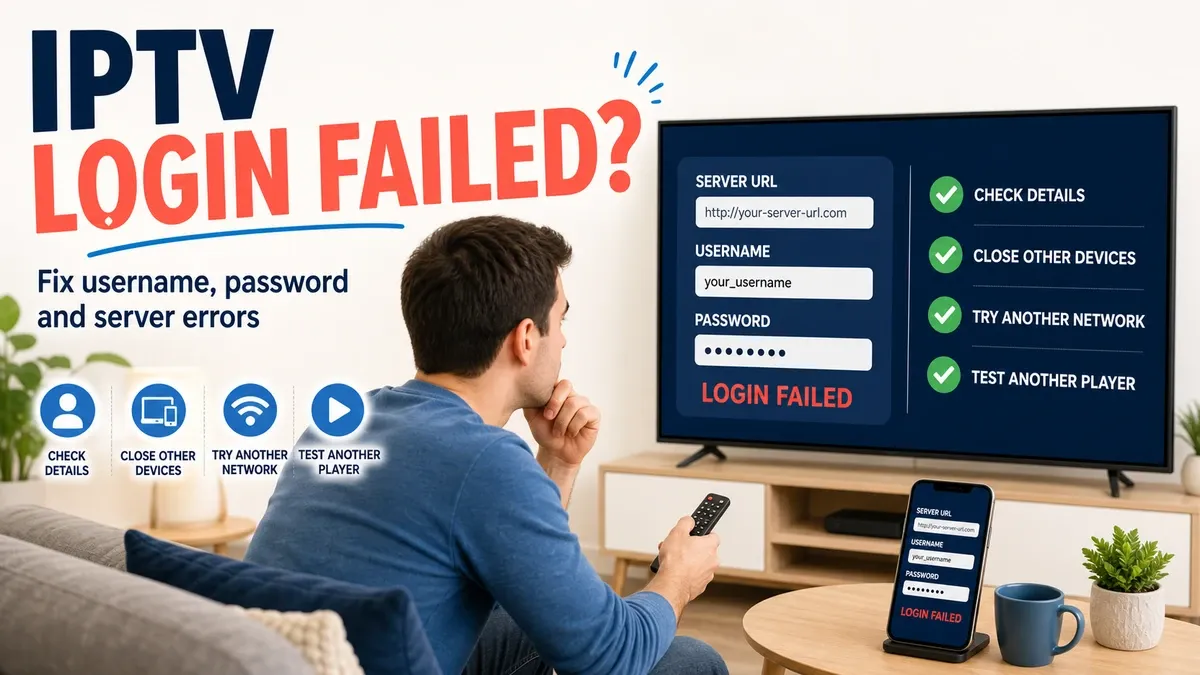
- Login process (having issues? See IPTV Login Failed: Username, Password and Server URL Fixes)
- Navigation and UI
- Channel switching speed
- Search and favorites
- EPG integration
- VOD layout
- Playback controls and stability
If you are using Android TV, check out our guide on the Best IPTV Players for Android TV in 2026 to find the perfect app. If an app stops working suddenly, read IPTV Not Working After an App Update: What to Do.
12. Test Customer Support
Customer support is often overlooked until something goes wrong. You can contact support before purchasing to see how they operate.
Evaluate:
- Response time
- Clarity of answers
- Professionalism
- Helpfulness
- Availability (do they offer WhatsApp or live chat?)
If you have questions during your trial with us, feel free to visit our Contact page.
13. Review Pricing and Subscription Terms
Once you are satisfied with the performance, review the terms before buying.
Check:
- Subscription price
- Subscription duration (1 month, 6 months, 12 months)
- Number of simultaneous connections allowed
- Included features (VOD, EPG, 4K)
- Renewal conditions
- Refund policy
- Payment methods (are they secure?)
- Any hidden or additional fees
You can view our transparent and competitive plans on the IPTV FIESTA Pricing page.
14. Check the Provider's Transparency
A trustworthy provider is transparent about what they offer. Look for:
- Clear pricing structures
- Clear contact information
- Clear service information (no unrealistic promises)
- Terms of service
- Privacy information
- Secure payment practices
Avoid services that make outrageous claims or hide their pricing until you sign up.
15. Consider the Legitimacy of the IPTV Service
IPTV is simply a technology for delivering television over the internet. The legality of a specific service depends on whether it has the appropriate rights to distribute the content it provides in your region. We encourage readers to choose legitimate services and comply with applicable local laws when streaming content.
How Long Should You Test IPTV Before Buying?
How long is enough? The more varied the test, the more useful it can be.
We encourage testing at different times of the day, cycling through different channels (sports, news, movies), trying out the VOD section, and leaving the stream running for longer sessions to check stability. Test under your normal home network conditions to get the most accurate representation of what your daily viewing experience will be like.
IPTV Testing Checklist
Use this checklist during your trial:
☐ Favorite channels load quickly ☐ Sports channels are stable ☐ Picture quality meets expectations ☐ HD / Full HD streams look sharp ☐ 4K (where available) plays without heavy compression ☐ No excessive buffering ☐ Good evening/peak-time performance ☐ Channel switching is responsive ☐ EPG is accurate and loads properly ☐ VOD library is accessible and plays well ☐ Works perfectly on main device ☐ Compatible with multiple devices (if needed) ☐ Simultaneous connections work (if applicable) ☐ Customer support is responsive ☐ Pricing is clear and competitive ☐ Subscription terms are transparent ☐ Overall reliability is satisfactory
 Test IPTV Streaming Quality
IPTV Trial Red Flags to Watch For
While testing, keep an eye out for these warning signs:
- Frequent buffering, even on a fast, wired internet connection
- Channels repeatedly unavailable or displaying error screens (If you face this, check IPTV Channels Not Loading: 10 Things to Check)
- Poor picture quality that looks heavily compressed
- Unclear pricing or pressure tactics
- Hidden fees at checkout
- Poor or non-existent customer support
- Unclear subscription conditions
- Suspicious payment practices
Testing IPTV FIESTA Before Choosing a Subscription
At IPTV Fiesta, we believe in complete transparency. We want you to evaluate the IPTV FIESTA service using the exact same testing checklist discussed above.
When you explore our platform, you will find a straightforward approach:
- We offer an impressive lineup of 50,000+ live channels and a massive 200,000+ VOD library.
- Our platform supports EPG, ensuring you always know what's playing.
- We support high-quality streaming, including HD, Full HD, and 4K options.
- The service is compatible with Smart TVs, Firestick, Android devices, Apple devices, and more (see our How It Works page for details).
You can easily request a free trial via WhatsApp to test the IPTV FIESTA subscription yourself. Explore your favorite channels, test the streaming quality during peak hours, and reach out to our support team if you need any assistance. We are confident in our performance and want you to be too.
Frequently Asked Questions
Conclusion
Testing an IPTV service before you buy is the smartest way to ensure you get a reliable, high-quality streaming experience. By evaluating channel availability, streaming quality, peak-time performance, and device compatibility, you can avoid frustrating buffering issues and wasted money.
Use a trial to put the provider to the test in real-world conditions. If you are looking for a premium streaming experience, we invite you to test IPTV Fiesta. With our vast selection of channels, extensive VOD library, and commitment to quality, you can see the difference for yourself. Visit our Homepage to learn more and get started!