Best IPTV Players for Firestick in 2026: Top Apps Compared
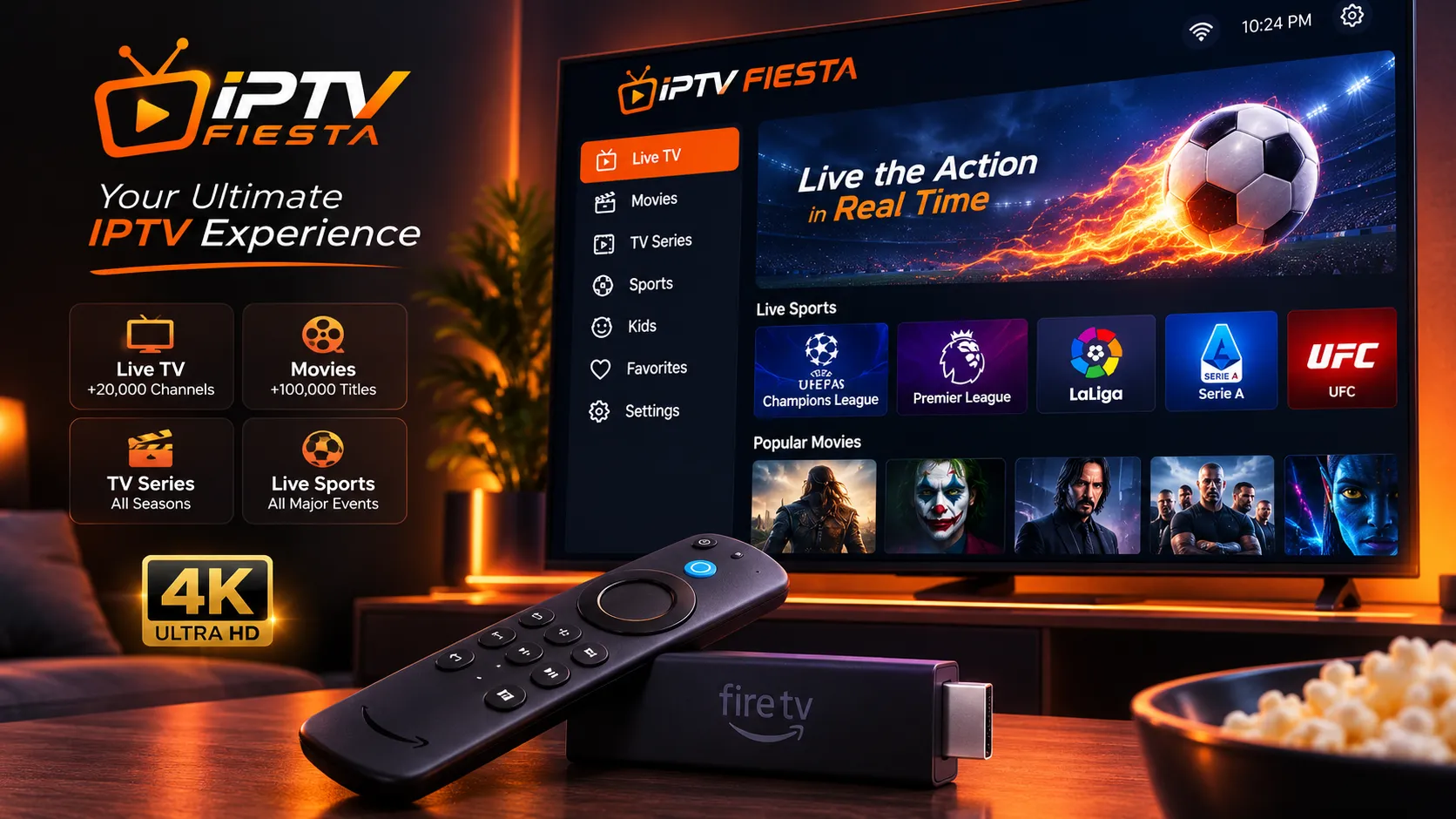
Amazon Firestick remains one of the most popular ways to turn a regular television into a smart streaming device. For IPTV users, however, choosing the right player can make a major difference in everyday viewing. If you haven't set up your device yet, check our guide on How to Set Up IPTV on Firestick in 2026.
An IPTV player is the application that reads your playlist or account information and displays your channels, program guide, and other available content. The player itself does not normally provide channels or subscriptions.
The best choice depends on what you need. Some users want a traditional TV-style interface with a powerful EPG, while others prefer a simple application that works across multiple devices.
In this guide, we compare some of the most useful IPTV players for Firestick in 2026 and explain what to look for before choosing one.
What Should You Look for in an IPTV Player?
Before installing an IPTV player on your Firestick, consider several important features.
Easy Navigation
A good Firestick application should be designed for remote control navigation.
Large menus, clear categories, fast channel switching, and an intuitive interface make a significant difference when you are sitting several feet away from the television.
EPG Support
An Electronic Program Guide, or EPG, displays current and upcoming programs.
If you regularly watch live TV, a well-designed EPG can make browsing channels much easier.
Playlist Compatibility
Different services may provide different playlist formats.
Common options include:
- M3U playlists
- Xtream Codes API
- XMLTV EPG
A player that supports the format provided by your authorized IPTV service will generally be easier to configure.
Playback Performance
The player should handle your available streams without unnecessary crashes or stuttering.
However, remember that playback quality also depends on your internet connection, device hardware, stream quality, and the source itself.
Search and Favorites
If your playlist contains thousands of channels, search and favorites become extremely useful.
Instead of scrolling through a huge channel list, you can quickly find frequently watched channels.
Multiple Playlists
Some users have more than one authorized playlist.
Support for multiple playlists makes it easier to organize different sources without repeatedly deleting and adding accounts.
 TiviMate Guide
1. TiviMate — Best Overall for Firestick
TiviMate is one of the strongest choices for Firestick and Android TV users who want a traditional television-style IPTV interface.
Its interface is designed specifically around large screens and remote controls, making it comfortable to use from a sofa.
The official TiviMate website describes it as a media player that does not provide content itself; users add their own playlists.
Why TiviMate Stands Out
TiviMate offers features such as:
- Multiple playlists
- Favorites
- Search
- EPG support
- Catch-up functionality where supported
- Recording features
- Multiview
- Parental controls
- Interface customization
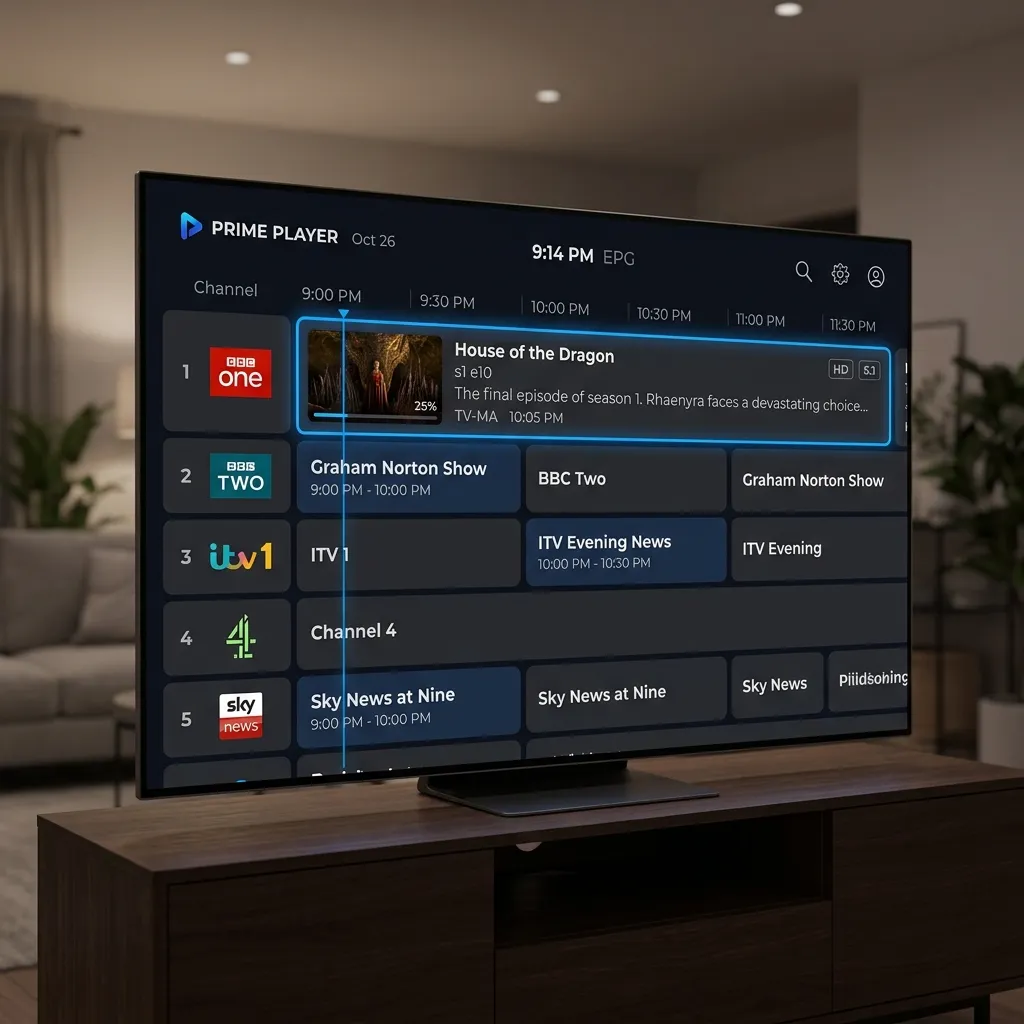
The channel guide is one of its biggest advantages. Instead of simply displaying a long list of channels, TiviMate can present them in a familiar TV-guide format.
TiviMate on Firestick
TiviMate is designed primarily for Android TV devices, including Fire TV devices. The official site provides installation information for compatible devices.
Once installed, you can add a compatible playlist supplied by your authorized IPTV provider.
Best For
TiviMate is particularly suitable for users who:
- Mainly watch IPTV on a television
- Want a traditional TV interface
- Use EPG regularly
- Have large channel lists
- Want advanced organization features
 IPTV Smarters Categories
Upgrade Your Streaming Experience
Get access to 50,000+ live channels, 200,000+ VODs in 4K/FHD with zero buffering.
- 4K & Full HD Quality
- Anti-Buffer Technology
- All Smart TVs Supported
- Instant Activation
2. IPTV Smarters — Best for Beginners
IPTV Smarters is another popular option for users who want a straightforward IPTV interface.
Its biggest advantage is simplicity.
The setup process is generally easy to understand, making it suitable for users who are new to IPTV applications.
Depending on the version and platform, users may be able to connect through supported playlist or account formats supplied by their service.
Main Advantages
- Simple interface
- Easy account setup
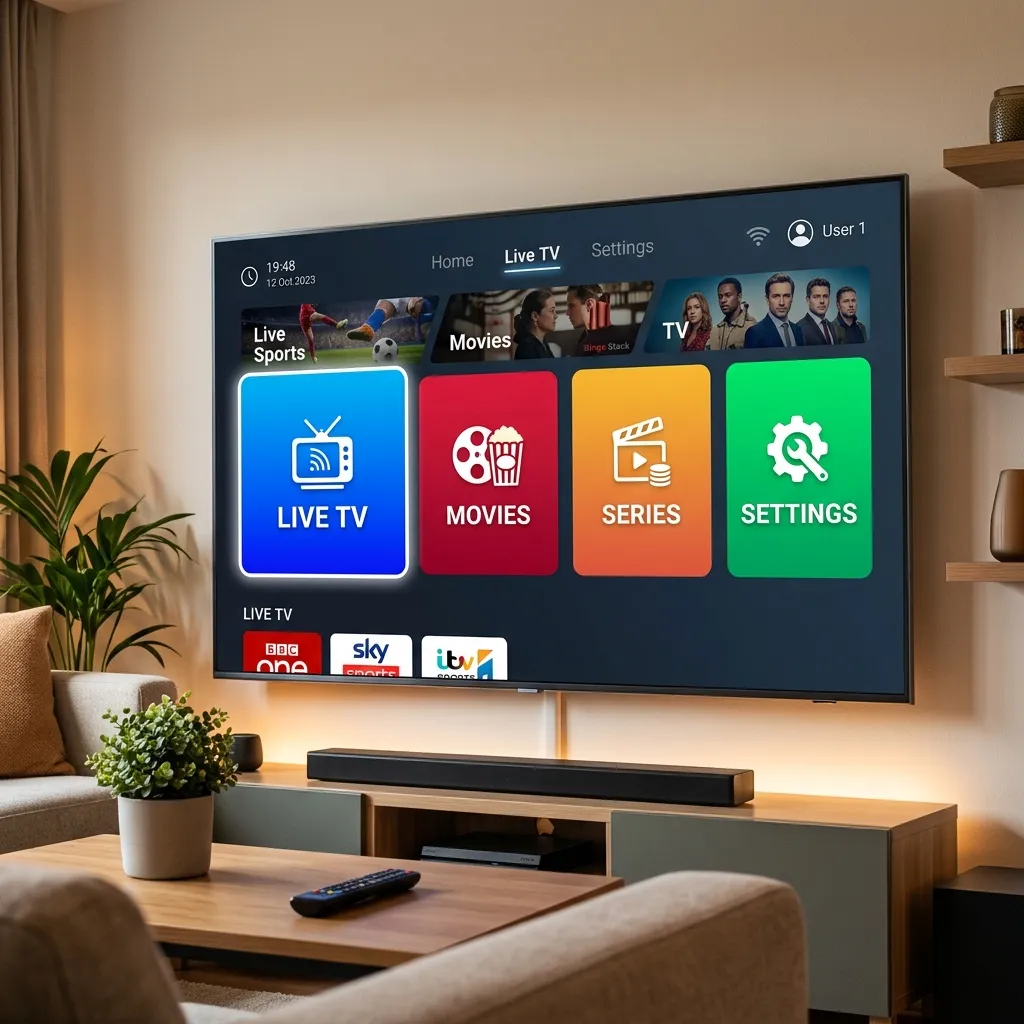
- Category-based navigation
- EPG support
- Broad device availability
- Suitable for beginners
The interface is particularly useful for households where several people use the same television and do not want to deal with complicated settings.
Best For
Choose this type of player if your priority is:
- Simplicity
- Easy navigation
- Beginner-friendly setup
- Compatibility with different devices
3. VLC Media Player — Best Simple Free Option
VLC is not a dedicated IPTV application, but it can be useful for users who simply want to test compatible network streams or playlists.
Its biggest advantage is that it is a mature media player with broad format support.
VLC is better suited to users who already understand how their playlist works and do not need an advanced television-style EPG.
Advantages
- Simple playback
- Broad media format support
- Free
- Useful for testing compatible streams
- Familiar interface
Limitations
VLC is not specifically designed around the IPTV experience.
Depending on your setup, you may not get the same channel organization, EPG experience, recording tools, or TV-style navigation available in dedicated IPTV players.
For everyday Firestick IPTV use, a dedicated player may therefore be more convenient.
4. Kodi — Best for Advanced Users
Kodi is a powerful open-source media center that can be expanded through supported add-ons.
For experienced users, Kodi provides a high degree of customization.
It can combine different media sources into a single interface and can be configured for live television through compatible PVR functionality.
Why Advanced Users Like Kodi
Kodi offers:
- Extensive customization
- Custom skins
- Media library integration
- Add-on support
- PVR functionality
- Advanced configuration options
However, this flexibility also makes Kodi more complicated than simpler IPTV players.
If you are completely new to IPTV, TiviMate or another dedicated player may be easier to configure.
 Enjoying IPTV
Upgrade Your Streaming Experience
Get access to 50,000+ live channels, 200,000+ VODs in 4K/FHD with zero buffering.
- 4K & Full HD Quality
- Anti-Buffer Technology
- All Smart TVs Supported
- Instant Activation
IPTV Player Comparison
| Player | Firestick | EPG | Ease of Use | Advanced Features | Best For |
|---|---|---|---|---|---|
| TiviMate | Yes | Excellent | Easy | Excellent | Most Firestick users |
| IPTV Smarters | Yes | Good | Very Easy | Good | Beginners |
| VLC | Varies by device/setup | Limited | Easy | Limited | Simple playback |
| Kodi | Yes | Yes | Medium/Hard | Excellent | Advanced users |
Which IPTV Player Is Best for Firestick in 2026?
For most Firestick users who want a dedicated IPTV experience, TiviMate is one of the strongest options.
Its television-focused interface, EPG, playlist management, search, favorites, and advanced features make it particularly comfortable for daily use.
IPTV Smarters is a good alternative if simplicity and broader device compatibility are more important to you.
VLC is useful when you want straightforward media playback, while Kodi is better suited to technically confident users who want extensive customization.
The important thing is to choose a player that matches your compatible devices and the playlist format provided by your authorized IPTV service.
How to Improve IPTV Player Performance on Firestick
Even the best IPTV player cannot compensate for a poor network connection or an overloaded device.
Try these steps if playback is unstable:
Use a Stable Internet Connection
Wi-Fi interference can cause buffering and playback interruptions.
If possible, place your Firestick close to your router or use a compatible Ethernet solution.
Restart Your Firestick
A simple restart can clear temporary memory and application problems.
Keep Your Player Updated
Use the official source for your application and keep it updated when a newer version is available.
Clear Unnecessary Cache
Applications can accumulate temporary data over time.
If your Firestick is running low on storage or an application is behaving strangely, clearing unnecessary cached data can sometimes help.
Close Unused Applications
Running many applications in the background can affect devices with limited resources.
Close applications you are not using and restart the device when necessary.
Common IPTV Player Problems on Firestick
IPTV Channels Are Not Loading
First check your internet connection.
Then verify that your playlist or account information is still valid.
If only one or two channels fail, the issue may be specific to those streams.
If every channel fails, investigate your account, playlist, network, or service status. For a complete list of solutions, read IPTV Channels Not Loading: 10 Things to Check.
IPTV Is Buffering
Buffering can be caused by:
- Weak Wi-Fi
- Network congestion
- Insufficient bandwidth
- Device limitations
- Problems with the stream source
Test another channel to determine whether the issue affects one stream or the entire service.
EPG Is Not Showing
Check whether the EPG information supplied by your authorized service is configured correctly.
Refresh the guide and verify that the time-zone settings are correct.
The App Keeps Crashing
Restart the Firestick first.
Then check available storage, update the application, and clear its cache if necessary.
If the problem continues, reinstall the player from its official source.
Frequently Asked Questions
Conclusion
Choosing the right IPTV player can make your Firestick experience much easier.
TiviMate is a strong overall choice for users who want a polished TV-style interface and advanced playlist management.
IPTV Smarters is a good alternative for beginners, VLC works well for straightforward playback scenarios, and Kodi is better suited to advanced users who want extensive customization.
Whichever player you choose, remember that the application and the IPTV content source are separate. Use compatible playlists and authorized services, keep your Firestick updated, and maintain a stable internet connection for the best possible experience. If you have further questions, check out our FAQ or Contact Support.